Skip to content

Made by people who design boiler rooms

Design boiler rooms in 3D with real manufacturer parts

Place the equipment, route the pipes, get an exact bill of materials and order from suppliers. All in the browser, nothing to install.

€150 per month. Cancel any time.

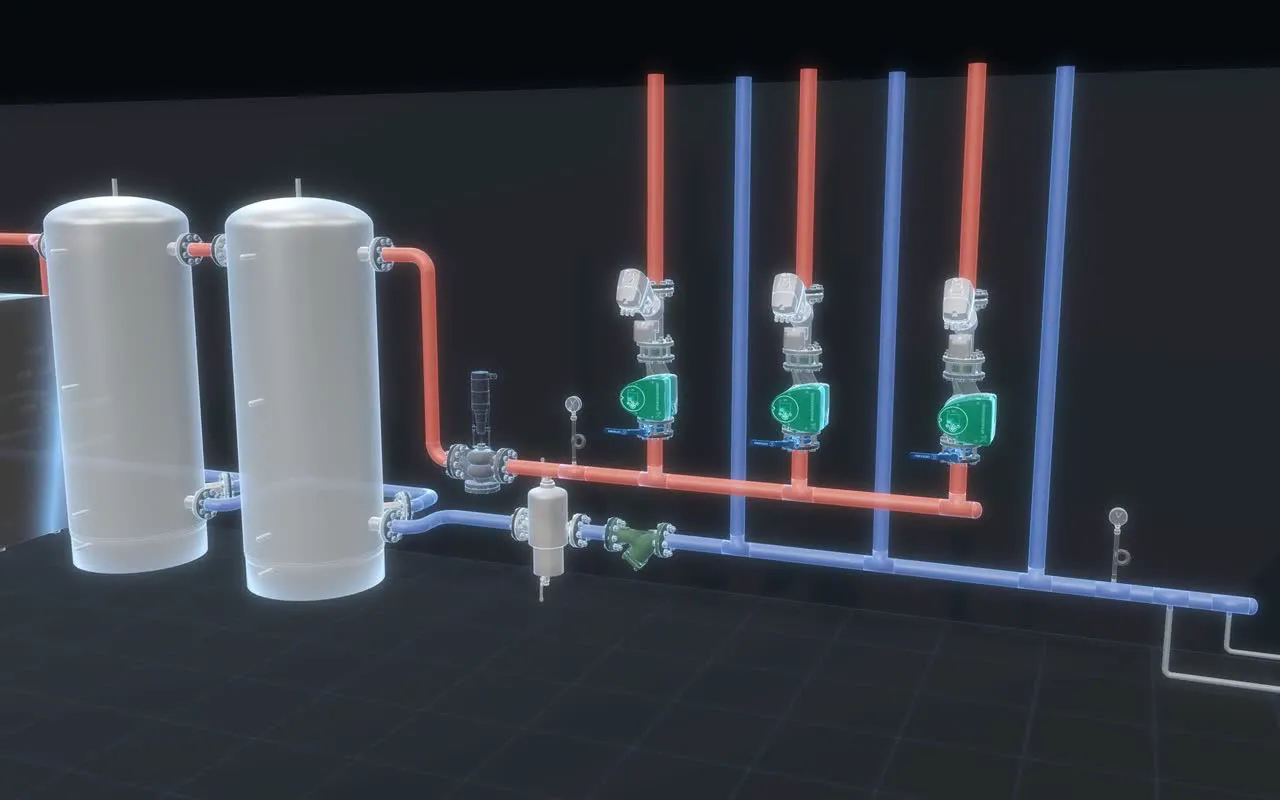
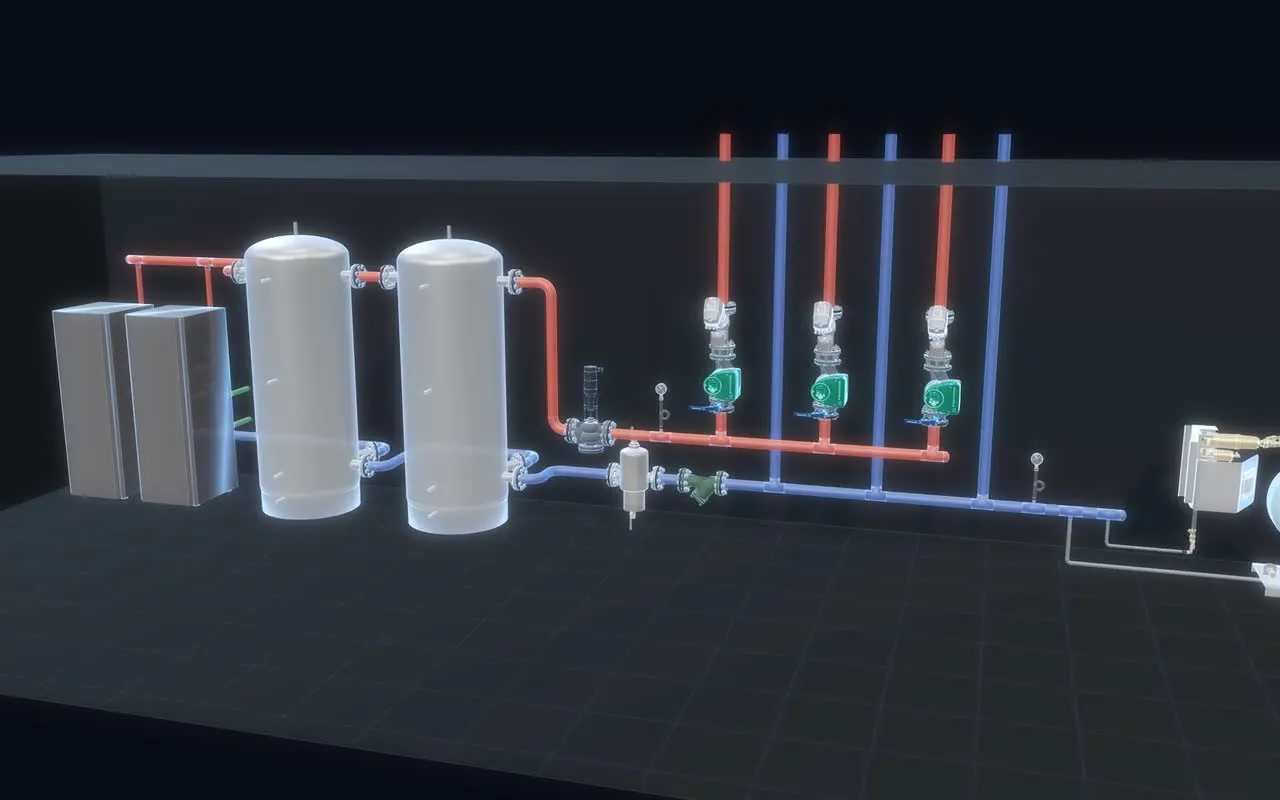
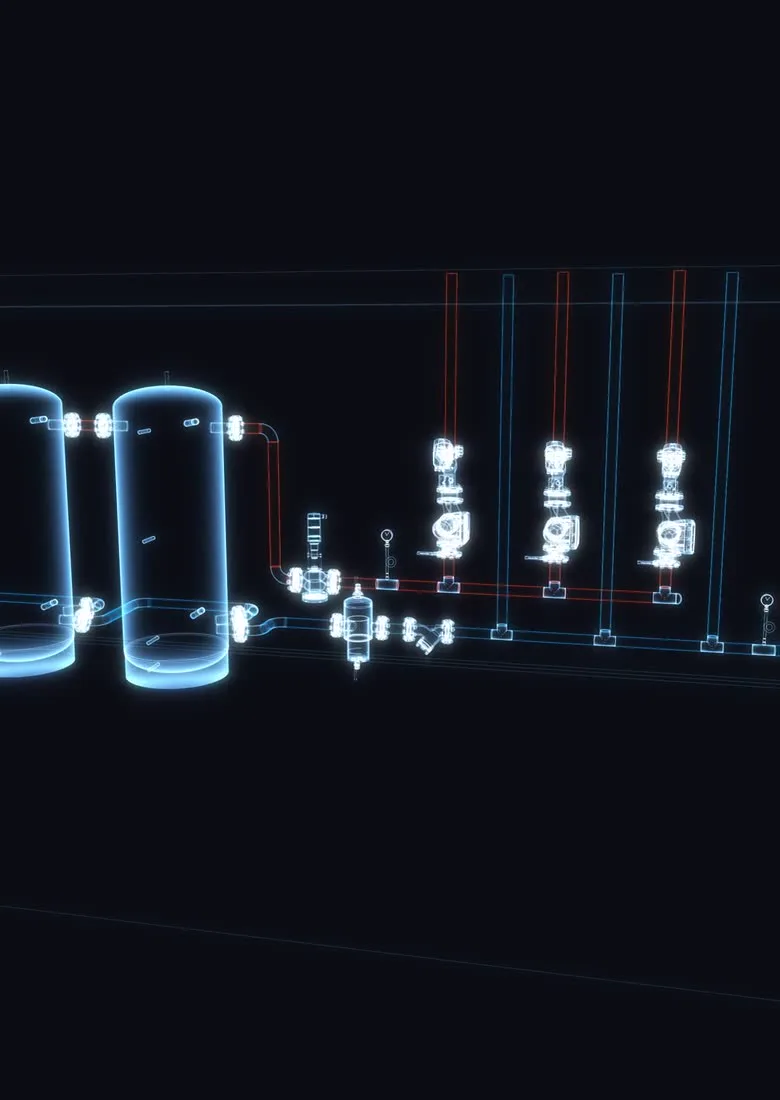
A heat pump plant room drawn as a glowing technical drawing: heat pumps, buffer tanks and pump circuits, with supply pipes in orange.

Designed in Protis 3D

01 · Library

Every part is a real one

Real models with real dimensions and connections: DN, thread, flange or press. Put them in the room and they fit exactly as they will on site.

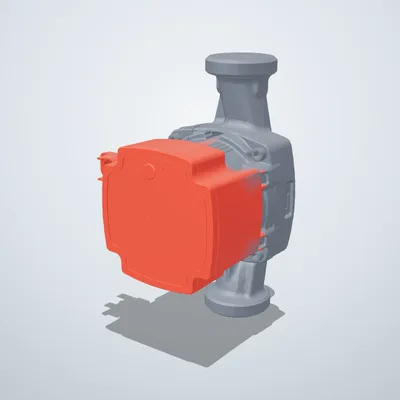
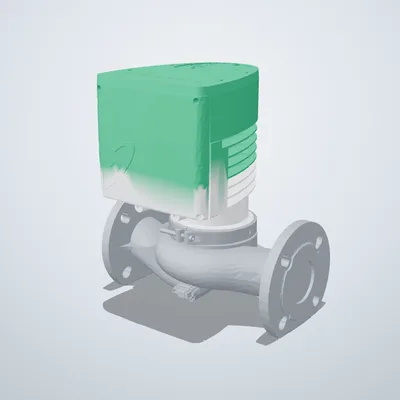
  • Grundfos MAGNA3 65-120 F
    GrundfosMAGNA3 65-120 F
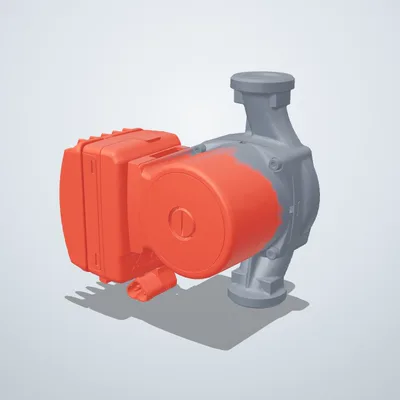
  • Grundfos UPM3 25-70 180 Hybrid
    GrundfosUPM3 25-70 180 Hybrid
  • Grundfos UPMXL GEO 25-125 180
    GrundfosUPMXL GEO 25-125 180
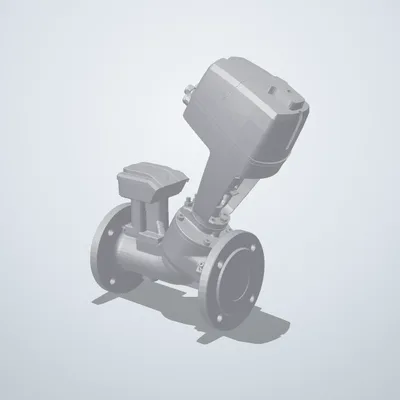
  • IMI TA TA-Smart DN65
    IMI TATA-Smart DN65
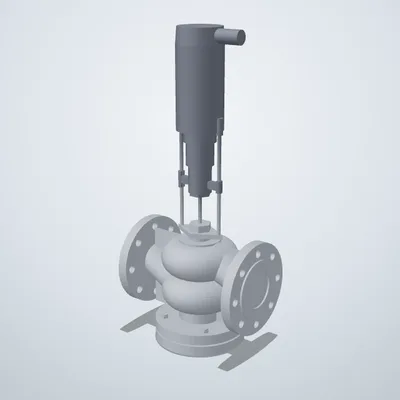
  • IMI TA TA CV225 DN65
    IMI TATA CV225 DN65
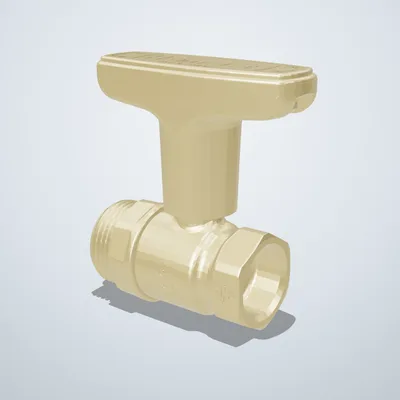
  • IMI Heimeier Globo H DN20
    IMI HeimeierGlobo H DN20
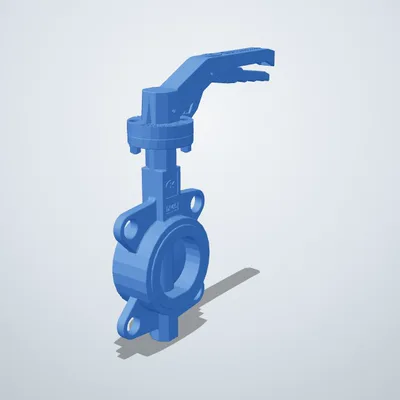
  • Zetkama zBUT 497 DN65 butterfly valve
    ZetkamazBUT 497 DN65 butterfly valve
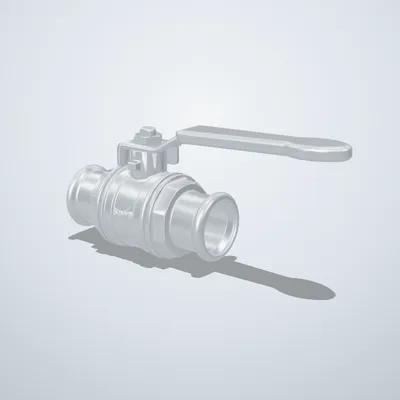
  • Sanha Press ball valve d28
    SanhaPress ball valve d28
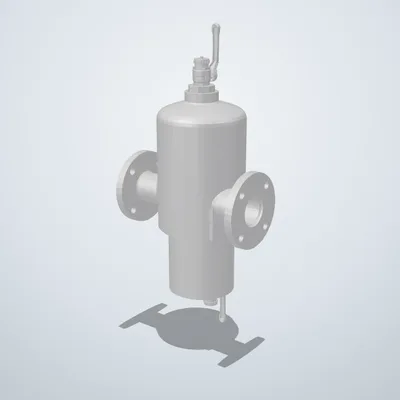
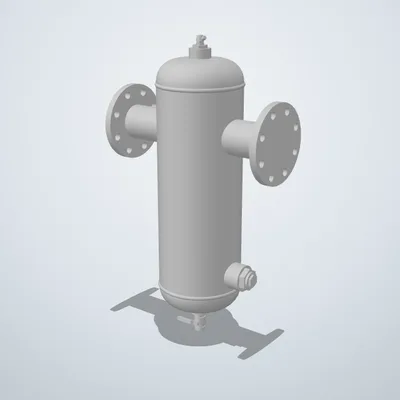
  • IMI Pneumatex Zeparo G-Force ZG 65
    IMI PneumatexZeparo G-Force ZG 65
  • IMI Pneumatex Zeparo Cyclone Max ZCX 65
    IMI PneumatexZeparo Cyclone Max ZCX 65
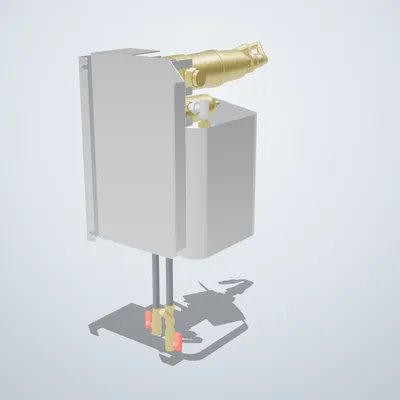
  • IMI Pneumatex Simply Vento V2.1
    IMI PneumatexSimply Vento V2.1
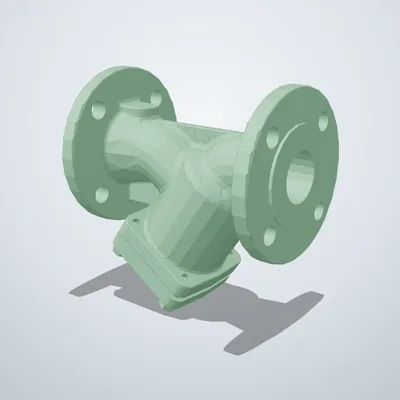
  • Zetkama zSTRA 821 DN50 strainer
    ZetkamazSTRA 821 DN50 strainer
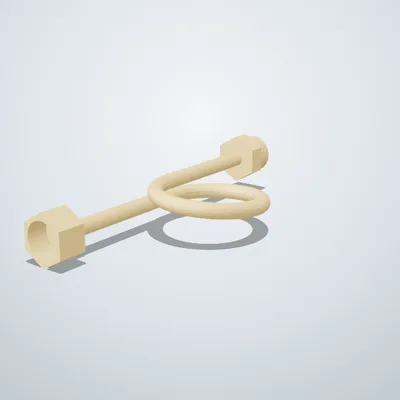
  • Caleffi Gauge siphon G½
    CaleffiGauge siphon G½
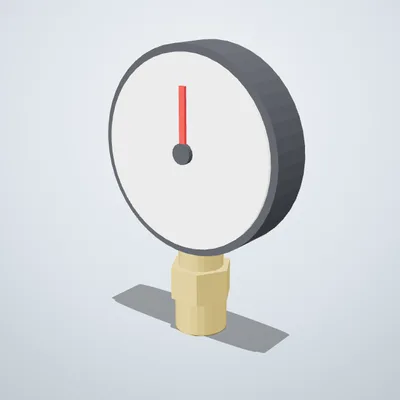
  • Watts Pressure gauge Ø80, 0–6 bar
    WattsPressure gauge Ø80, 0–6 bar
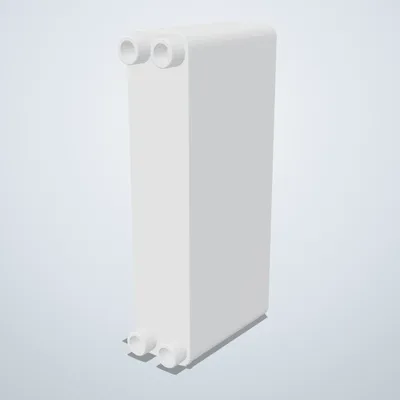
  • SWEP B85H×120 heat exchanger
    SWEPB85H×120 heat exchanger
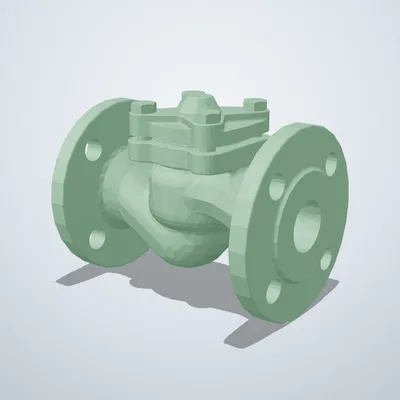
  • Zetkama zCHE 287 DN40 check valve
    ZetkamazCHE 287 DN40 check valve
  • IMI Pneumatex Simply Compresso C2.1 80
    IMI PneumatexSimply Compresso C2.1 80
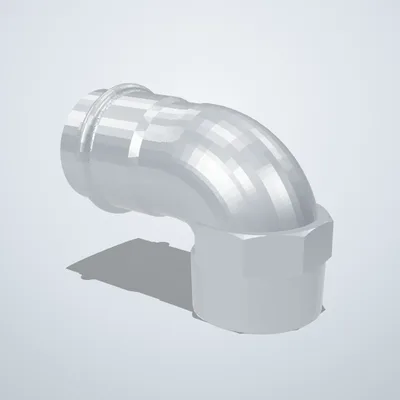
  • Sanha NiroSan elbow 90° d54
    SanhaNiroSan elbow 90° d54
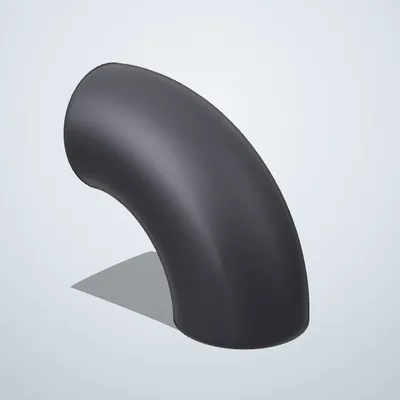
  • EN 10253-2 Weld elbow 90° DN50
    EN 10253-2Weld elbow 90° DN50
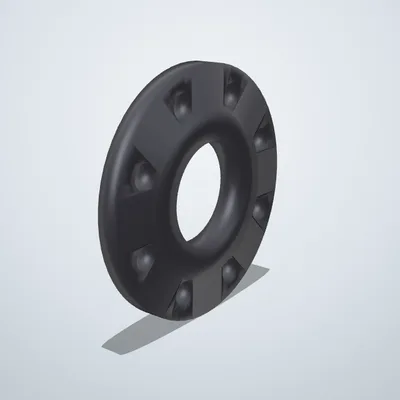
  • EN 1092-1 Flange adapter DN65 PN16
    EN 1092-1Flange adapter DN65 PN16

20 of 2,500+ parts shown here. Every one of them is in the app, at real size, with its real connections.

Some of the manufacturers in the library: Grundfos, IMI, Zetkama, SWEP, Sanha, GF, Cepex, Watts.

Find any manufacturer’s library — or build your own parts with the AI agent coming soon

02 · How it works

From an empty room to a supplier order

1

Build the plant room

Pick parts from the manufacturers’ libraries and place them where they are installed.

  • Search the library and preview any part in 3D
  • Drag it into the room, rotate it with R
  • Snap it onto the pipe — bolts and gaskets are added
2

Run the pipes

Connect the ports and the pipe is laid with fittings from the system catalogue.

  • Click a port — the pipe follows, elbows are placed for you
  • Any size, from DN20 to the main lines
  • Insulation metres and flow direction at a glance
3

From schematic to order

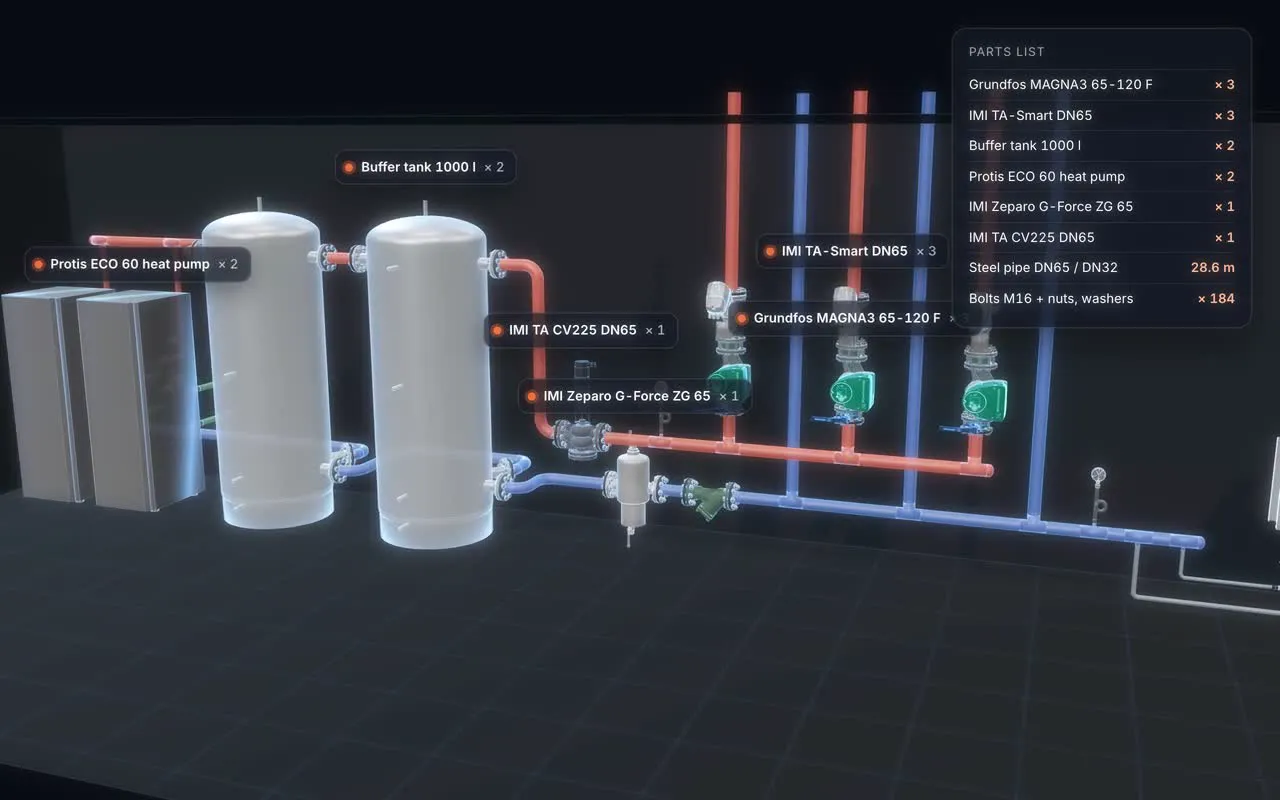
The schematic, the parts list and the supplier order all come from the same model.

  • Schematic straight from the 3D model
  • Parts list with codes and quantities
  • Ask suppliers for prices — replies land in the project

03 · Features

Everything a plant room needs, in one model

04 · Pricing

One plan with everything in it

€150 per month

Per account. Paid by card through Stripe; we never see your card details. Cancel any time in your profile, and the subscription runs to the end of the paid period.

Get started

Included

  • Unlimited projects
  • Manufacturer libraries
  • Rooms, plans and 3D scans
  • Piping with real fittings
  • Schematic
  • Bill of materials and estimate
  • Supplier orders
  • Public links for clients
  • Working together in real time
  • Daily backups

AI assistant and procurement agent work is billed by usage and added to the same invoice. You can see your usage in your profile.

05 · About us

Built for our own work

Protis 3D is made by Protis, LLC. We design boiler rooms ourselves, and Protis 3D is the tool we built for that work.

That is why the library holds real parts with their real dimensions and connections, and why a project does not stop at the drawing: it carries on to the parts list, the supplier order and the installer on site.

06 · FAQ

Questions

Do I need to install anything?

No. Protis 3D runs in a desktop browser (Chrome, Edge or Safari). You can install it as a separate window if you like, but you don’t have to. On a phone you get the project list, the assistant and manager approvals, and clients see projects through a public link.

How do I get the manufacturer libraries?

We switch libraries on for the systems you work with. In the app, click Request a library and choose what you need. If a part is missing, email [email protected] and we add it with its real dimensions and connections.

Can I work on a project with a colleague?

Yes. Invite a colleague and you both work in the same project at the same time, seeing each other’s changes and where the other person is looking. If you both change the same thing at once, nothing is lost: the other version is saved in the version history.

How do I show a project to a client or installer?

Create a public link. Opened on a phone or computer, it shows the boiler room in 3D, the room and the part names, but not prices. No account is needed.

What files can I export?

A PDF report, the bill of materials as CSV, a PNG image, an IFC model for BIM and CAD software, and a 3D file as GLB, OBJ, STL or USDZ. The whole project can also be saved as JSON.

Are my projects safe?

Projects are stored in your account, and the server makes a daily backup that is kept for 14 days. You restore it yourself from the version history, under Server backups. Deleting your account deletes all of its data. More in the privacy policy.

What do the AI assistant and procurement agent do?

The assistant answers questions about your project. The procurement agent drafts emails to suppliers, collects quotes into the order card and follows up with suppliers who have not replied. Larger decisions, such as bigger purchases, go to the manager you name for approval.

Which languages does the app use?

The app is in English. Lithuanian can be chosen in the settings. Part names stay as the manufacturer publishes them.

How do I cancel my subscription?

In your profile, click Manage subscription, where you also find your invoices. The subscription runs to the end of the paid period.
07 · Start

Start with your own boiler room

Questions, a missing part or a library you need: [email protected]